Make sure the target profile ports same as the original one . if any change , IIS can』t connect to it.
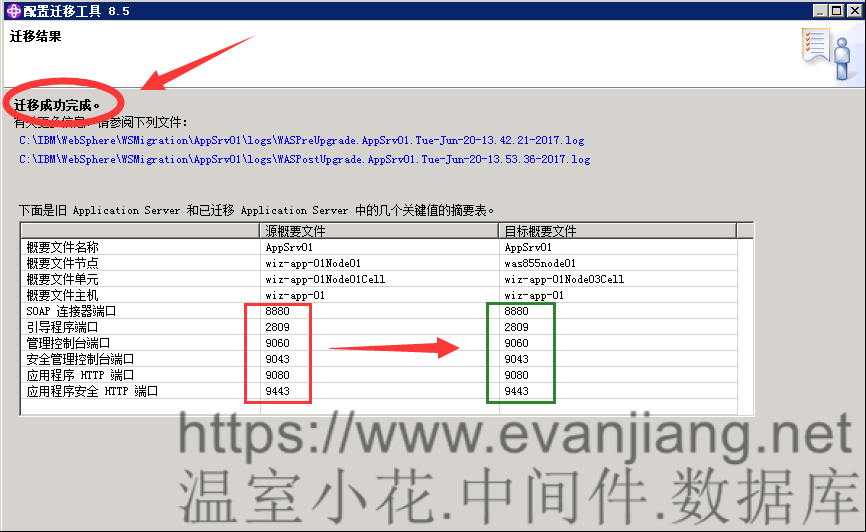
Migrate result

Switch to profile manager

You should see the migrated profile in WASv85 installation folder

Startup WASv855 first step

Check profile OK or not

Call WASv855 console page

You should see the IIS already there , and running fine

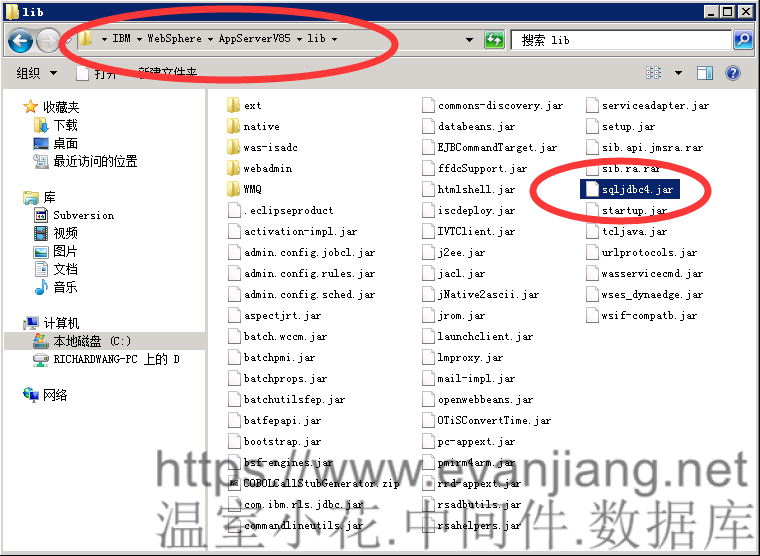
Copy SQLServer JDBC driver in WASv7 lib folder to WASv8 lib folder
Add WASv85 to win service list

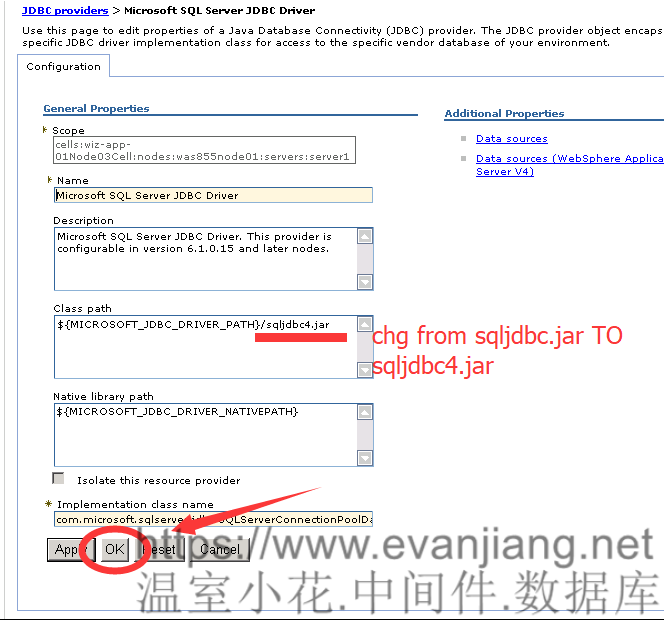
At datasource page , you should see the SQLServer JDBC driver record already there TOO

Change the driver file name : sqljdbc.jar -> sqljdbc4.jar
On the other hand , you can copy rename the driver to sqljdbc.jar first , it』s all up to you.
以下文章點擊率最高
Loading…