Edge Components測試計劃
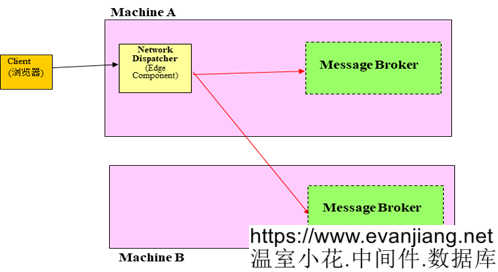
拓撲
|
Hostname |
Ip Address |
安裝軟體 |
|
ESB1 |
122.8.14.83 |
Edge Componets V6.1.0.40 Message Broker |
|
ESB2 |
122.8.14.81 |
Message Broker |
|
Client |
122.8.46.133 |
安裝並升級Edge components 到V6.1.0.40
-
安裝Edge V6.1.0.0
-
解壓eLBAIX-6.1.0.40.tar.Z,得到升級文件
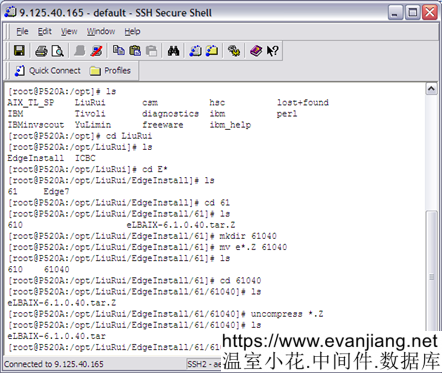
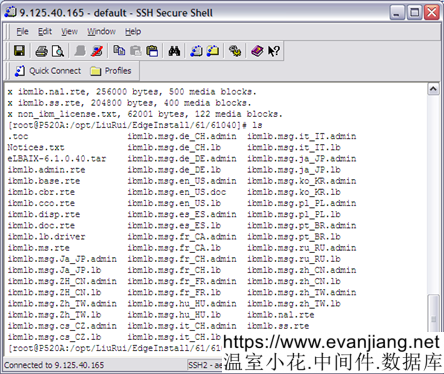
-
使用命令進行升級
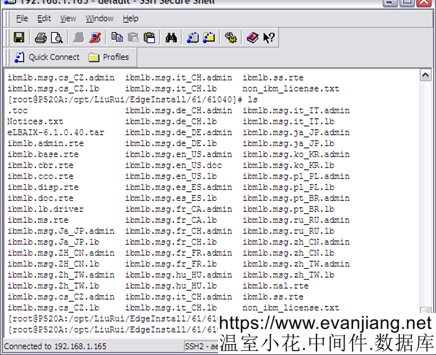
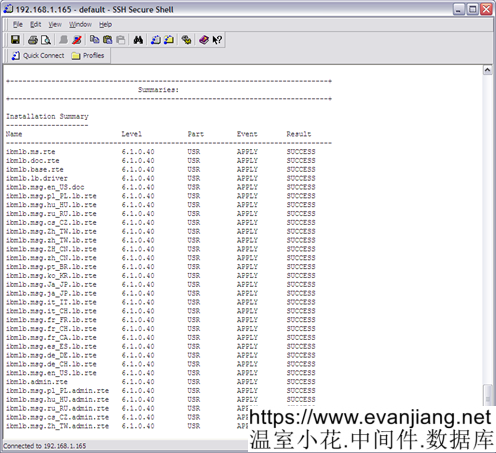
最後得到安裝補丁的反饋信息,全部成功:
配置後端Server環境
由於是並置方式,因此,只需要在ESB2上添加Cluster地址到loopback地址上
命令為:
ifconfig lo0 alias Cluster_Address netmask 255.255.255.0
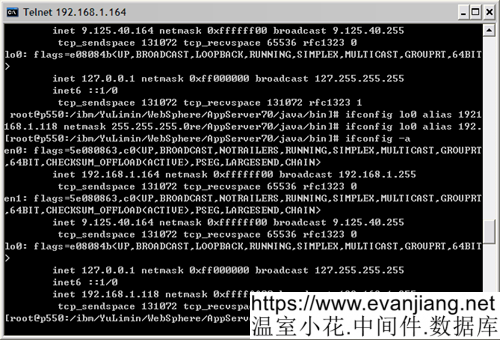
配置完畢,檢查多餘路由:
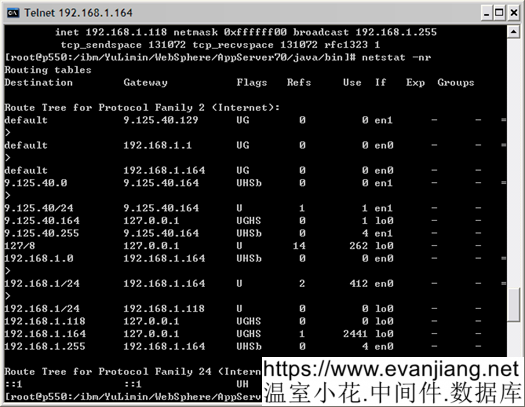
啟動伺服器上的服務。
配置Edge Server
為簡化配置過程,備份edge默認載入的default.cfg文件,然後根據以下內容直接修改該文件。default.cfg文件的位置在:
/opt/ibm/edge/lb/servers/configurations/dispatcher/default.cfg
|
dscontrol executor start
dscontrol executor configure 122.8.14.246
dscontrol manager start |
以下為相關命令說明的摘錄,供參考
|
// Start the server function. A default configuration file (default.cfg) gets automatically loaded when starting dsserver. If the user decides to save the Dispatcher configuration in default.cfg, then everything saved in this file is automatically loaded next time dsserver gets started dsserver
// start the executor function dscontrol executor start
// Define a cluster and set cluster options
// Define ports and set port options with the dscontrol port add command
// Define the load-balanced server machines
//配置工作站以接受集群地址的流量 dscontrol executor configure ClusterIP
|
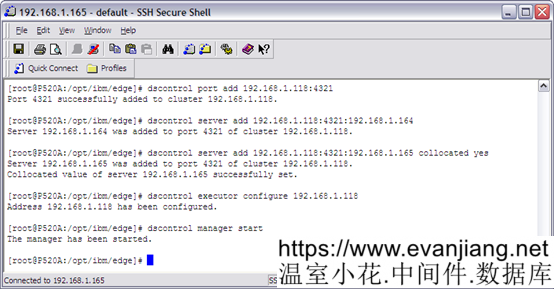
測試配置結果
檢查edge機器的網卡:
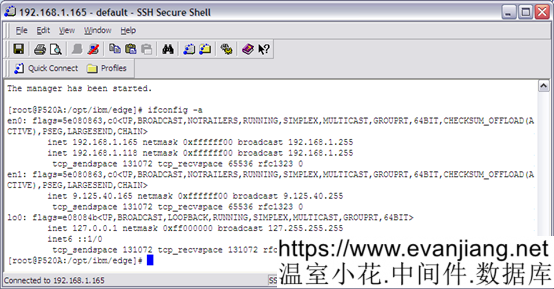
相關軟體資源,測試客戶端和伺服器端代碼資源
Socket連接測試: SocketClient.java Server.java
伺服器端直接運行,默認偵聽在4321埠
客戶端可帶參數,參數順序為: 請求伺服器ip 請求伺服器埠 請求參數(1234567890000) 請求次數
UDP連接測試:UDPServerTest.java UDPClientTest.java
伺服器端直接運行,默認偵聽在4321埠
客戶端直接運行,默認請求cluster246機器ip的4321埠,並請求20次
測試配置:default.cfg
以上資源打包放置到edge介質目錄下的icbc目錄下。
以下文章點擊率最高
Loading…