在裝有WAS的服務器上運行介質並啟動嚮導,這裡是10.244.151.133那台機,也就是主機名為GD.ZYP.APP2那台機。
編輯soap.client.props文件,調整WAS的參數。
|
Preventing timeouts To prevent timeouts of WebSphere® Application Server during the deployment of WSRR, set the following. Note: You might choose to change these timeout settings back to their original values after the deployment is complete. SOAP Timeout The following error indicates that the timeout value must be increased: [wsadmin] WASX7017E: Exception received while running file “W:\IBM\WEBSPH~1\SERVIC~1\install\\jython\installear.py”; exception information: com.ibm.websphere.management.exception.ConnectorException [wsadmin] Caused by: [SOAPException: faultCode=SOAP-ENV:Client; msg=Read timed out; targetException=java.net.SocketTimeoutException: Read timed out] Update the value of com.ibm.SOAP.requestTimeout in <WebSphere Application Server profile directory>/properties/soap.client.props to at least 1800. |
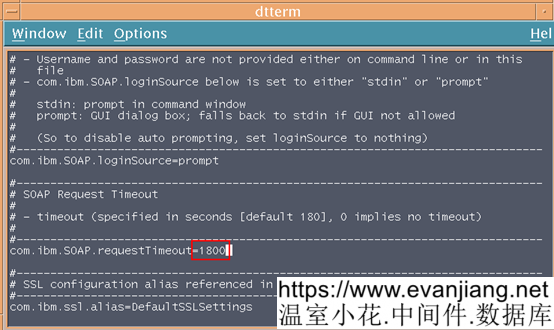
調整完以上參數後,重啟DM。
運行介質略。
運行<WSRR_HOME>/install/deploywizard.sh
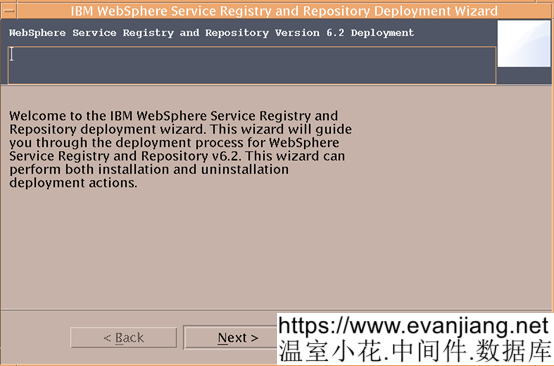
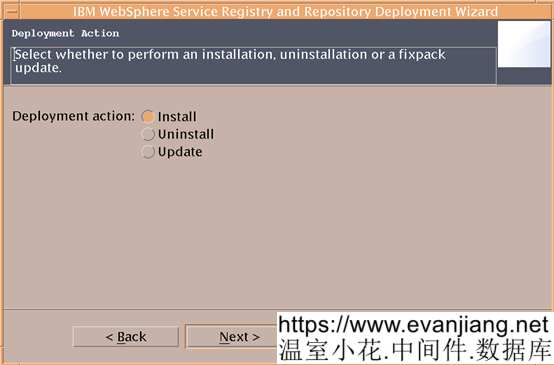
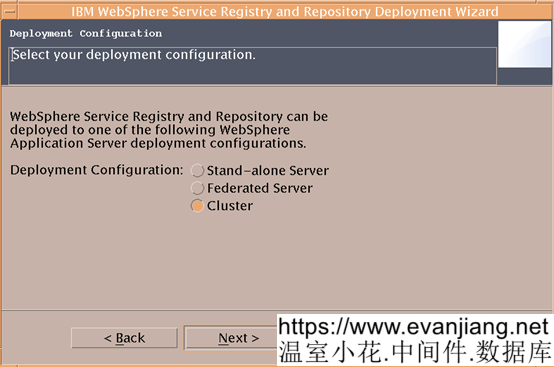
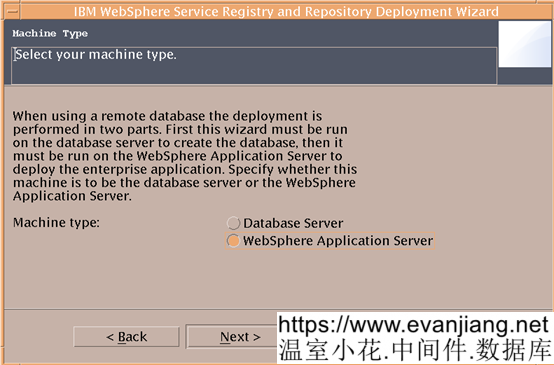
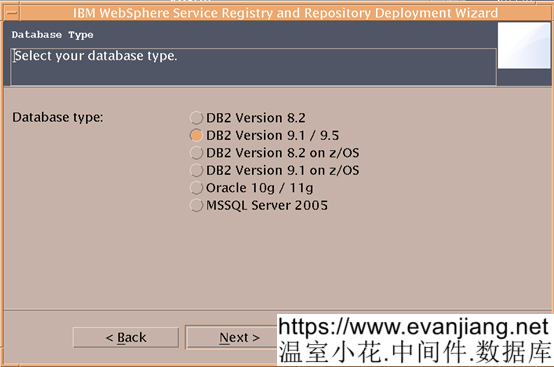
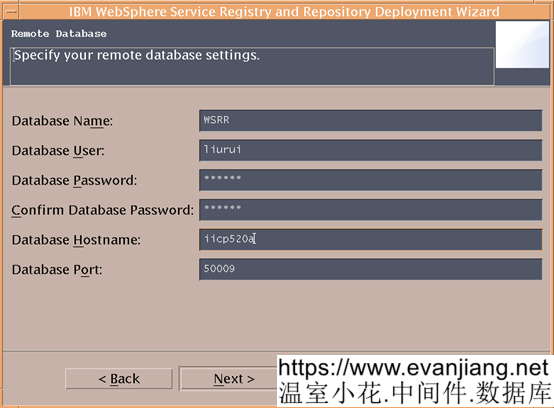
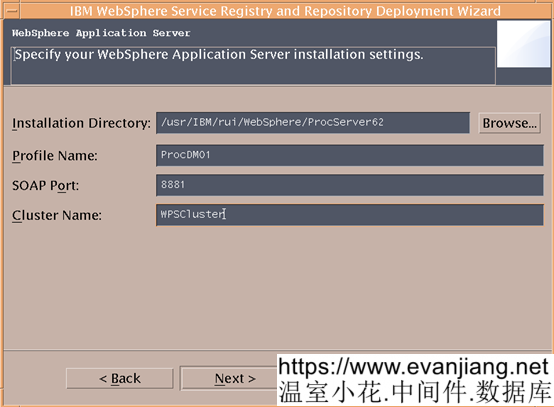
這裡截圖輸入的參數可能跟實際的情況有差異。具體參數可看db2的安裝設置文檔,裏面有詳細說明。
以下文章點擊率最高
Loading…