Portal8集群
门户配置
/opt/IBM/WebSphere/wp_profile/bin/startServer.sh WebSphere_Portal
登录到主节点门户并删除下面两个服务
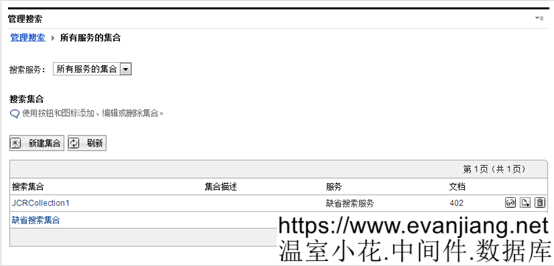
/opt/IBM/WebSphere/wp_profile/bin/stopServer.sh WebSphere_Portal -username wpsadmin -password password
修改配置文件
/opt/IBM/WebSphere/wp_profile/PortalServer/jcr/lib/com/ibm/icm
jcr.textsearch.enabled=true 改成 jcr.textsearch.enabled=false
然后执行下面的命令
cd /opt/IBM/WebSphere/wp_profile/ConfigEngine
./ConfigEngine.sh enable-profiles -DWasPassword=password
./ConfigEngine.sh package-profiles -DWasPassword=password
DM安装
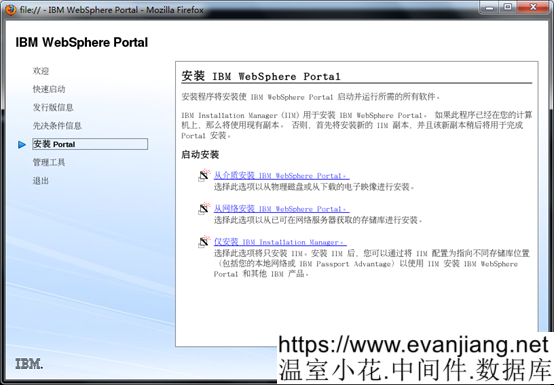
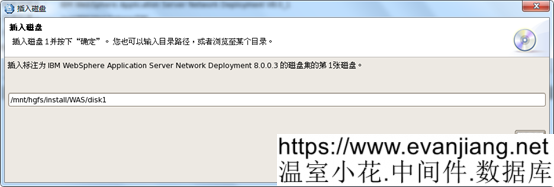
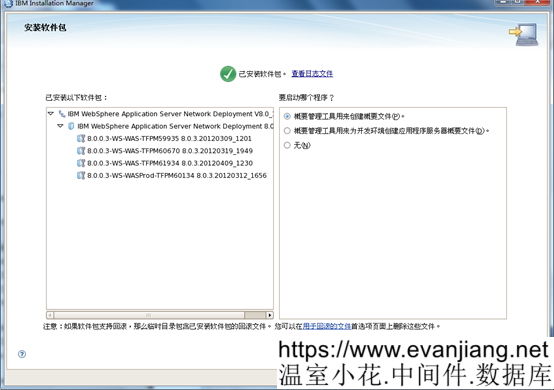
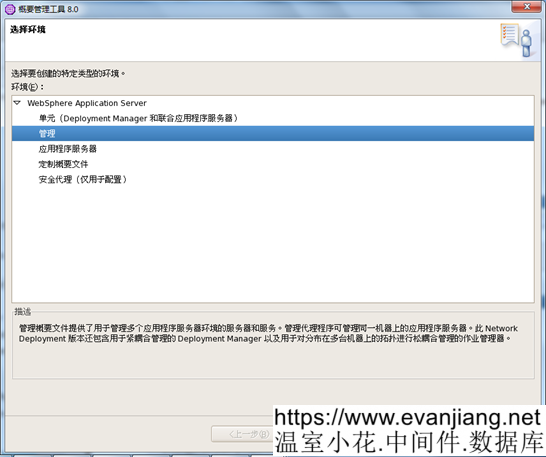
注意:选择安装 IBM WebSphere Application Server Network Deployment V8.0
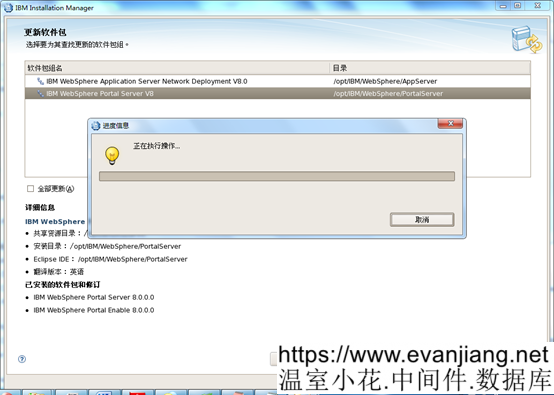
如果DM是和portal安装在同一台服务器 则再安装一次
以下文章点击率最高
Loading…