勾选”IBM HTTP Server for WebSphere Application Server”、”Web Server Plug-ins for IBM WebSphere Application Server”、”WebSphere Customization Toolbox”,点击”Next”,继续
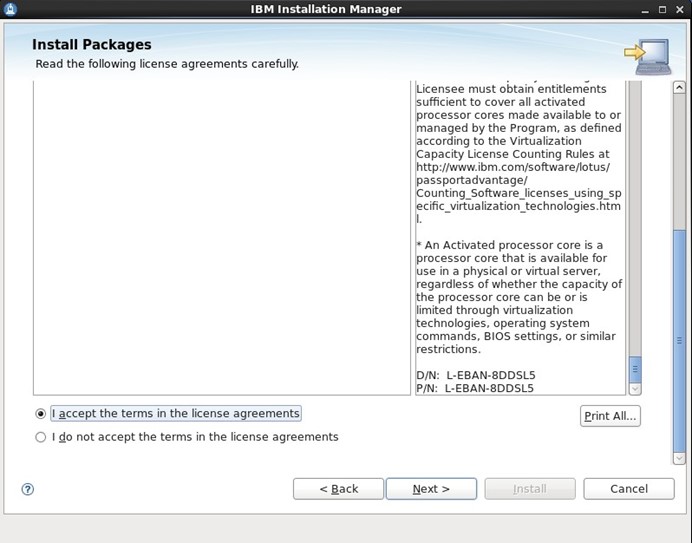
勾选License复选框,点击”Next”,继续

选择安装目录,”IBM HTTP Server”和”Web Server Plug-ins”都要选择安装目录,点击”Next”,继续

点击”Next”,继续
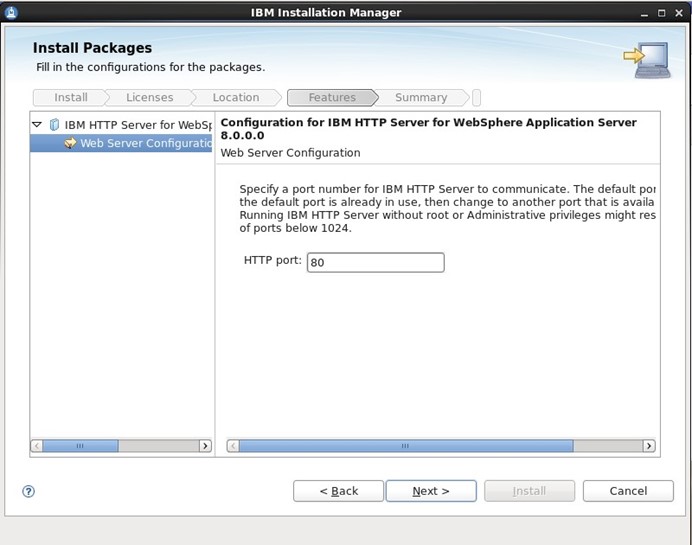
点击”Next”,继续
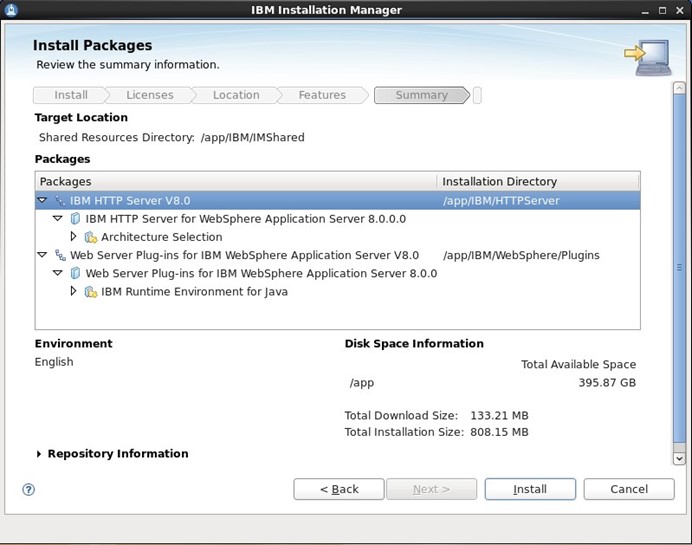
点击”Install”,继续,等待几分钟安装完成。
点击”Next”,继续
点击”Next”,继续
点击”Next”,继续
4.6 配置Web服务器
通过系统菜单进入”Web Server Plug-in Configuration Tool”工具
以下文章点击率最高
Loading…